
Canvas Test Course Reset Tool
2026-07-23
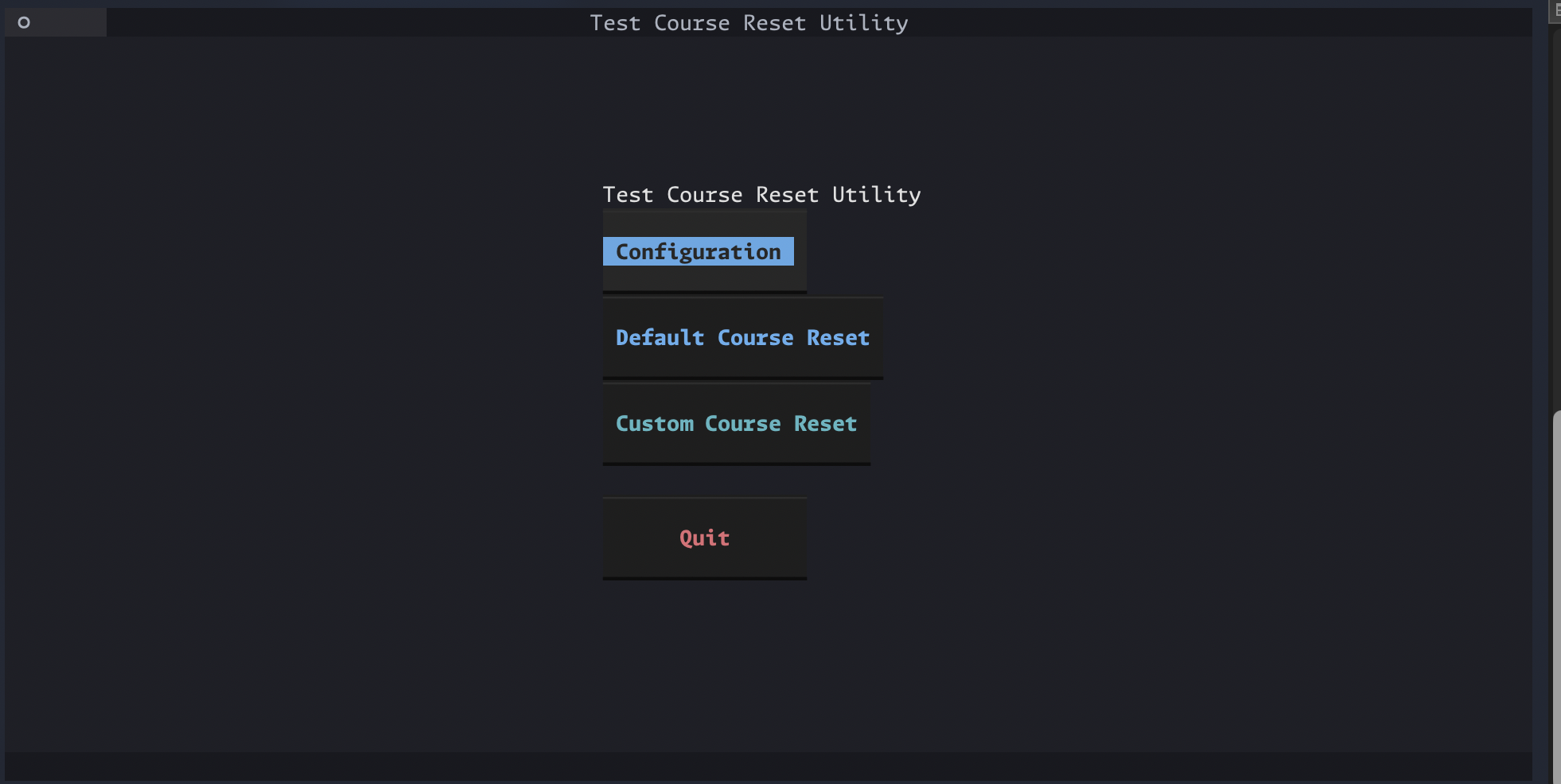
In the process of building a personal ops tool to centralize a bunch of common work tasks, I created a process that resets my test courses. After using it for a bit, I realized it was something others might benefit from, so I worked on making a standalone version of it. The original verrsion was built in JavaScript because my ops tool is using Electron to run as an app. But I didn't want a heavy Electron setup for this course reset utility, so I opted to port the functions over to Python and wrap it all in a Textual UI. Needing the UI to at least be moderately pleasant to look at meant that Textual was a little heavier than I originally anticipated, but it came together nonetheless! It's packaged with pyinstaller, so it runs as a standalone file, which I thought was more accessible than needing to run a py file in the terminal. The tool is designed with Canvas admins in mind. When you open it up, you have the following buttons: 'Configuration,' 'Default Course Reset,' 'Custom Course Reset.' The configuration screen prompts you to enter their Canvas subdomain, an access key, the target course ID and the source course ID. Each step gives brief instructions on what you need to give it. subdomain is looking for something like "myschool" in "myschool.instructure.com." If you give it the full url, it will snip it back to just the subdomain. It does basic data validation for the other rows, checking that the access key is long enough to theoretically be an access key, and that the two course IDs are just numbers. Once your configuration is set up, you can user Default Course Reset to reset the course you just set with the other course's materials. The screen will throw a loading indicator while it waits for the response from Canvas. Once the response comes in, you get a confirmation and a command to click the link to go to the content migrations page. The reason that page was chosen as the landing page in Canvas is because content migrations take a while, and that screen has an indicator of the progress of the migration. I contemplated adding a progress bar in the tool, but opted against it as in introduced extra API calls. If you select Custom Course Search, it gives you a chance to select either your default course or a different course for both the target course and the source course. If you choose to use a different course, you can either enter the ID or the course name. The course name will run a search of courses available and give you a list to select from. If you're doing that for the target course and the course you selected doesn't have test in the name, it will ask you to confirm this is the course you wanted. Because this was designed around being a test course resetter, this felt like a reasonable thing to add. You can reset non-test courses if you want, but that's at your own risk. Once you've selected your custom courses, it runs just like Default Course Reset. The coolest thing about this tool is that it handles a weird Canvas quirk gracefully. In Canvas, when you reset a course, you are essentially deleting the old course and creating a new one with it's basic information. The id for the course changes. This can cause problems in automation, because you have to be careful about hard coding the id for a course you plan to reset more than once. This utility takes the returned course information from the API call when you reset the course, and replaces the old target course id in your config with the new one, so your config is always pointed at the newest version of your test course. It had a bug in it at first where it would replace the ID in your config at any time you ran a course reset, which was bad because it would replace your default target course when you ran a custom course search. To handle this, I added a check in the process: is_custom_course = ( target_course_id is not None and target_course_id != default_env_course ) if not is_custom_course: set_key(env_path, "TARGET_COURSE_ID", str(new_course_id)) os.environ["TARGET_COURSE_ID"] = str(new_course_id) Because the code only passes in a target_course_id when you're using the custom reset with a custom target course, this blocks it from overriding your config if you aren't using your default course. It's clever because it checks if you chose the custom course option but still chose your default course. Overall, it's meant to be a utility tool, not necessarily a consumer facing tool. But I hope people will get use out of it. It's certainly rough around the edge and has potential bug that I will continue to iron out as I find them or they get reported to me.